 A second brain built by an ADHD brain
Capture everything at the speed of thought.
Links, screenshots, files, notes, thoughts, audio, even AI chats, saved in seconds, tidied up with AI the way you want. Use powerful search to recall anything, any time.
Free to start. Pro is £9.99 a month.

The story
Why I built Ultrathink
It started with how my brain works. I'm dyslexic, I have a lot of ADHD traits, and I lose things all the time. Mostly ideas. A link someone sent me, a screenshot of a page I liked, a ChatGPT answer I swore I'd come back to. My filing system was open tabs and hope.
So Ultrathink is somewhere to capture all of it, fast, without deciding where it goes first. One click in the browser, a screenshot, a voice note, a file. Then AI does the boring bit afterwards. It fixes my spelling, writes a short summary, tags it and spots if it's actually a task.
When I need something back, I ask for it in normal words and it finds it.
How it works
Capture first, sort later
Three steps. You only have to do the first one.
- 1 You do this
Capture it
Whatever it is, save it in seconds and get on with your day. There's no folder to pick first.
- 2 Done for you
The AI tidies it
Each entry gets cleaned up in the background, ready for when you need it. The AI tidy-up is part of Pro.
- 3 When you need it
Recall it
Ask in normal words and get an answer with links to the entries it used. AI search is in Pro.
What it does
In the order you'll use it
Capture it, let the AI tidy it, recall it.
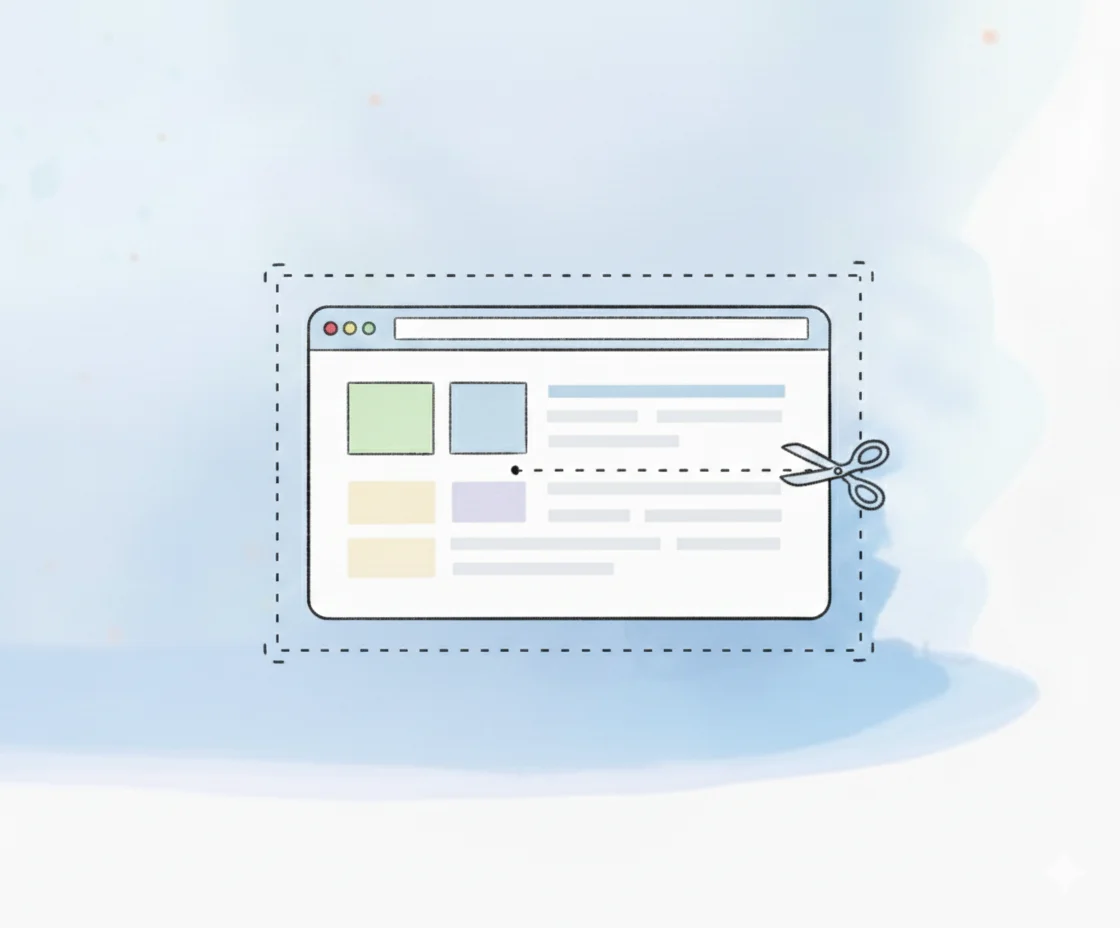
Save it from wherever you are
The browser extension saves a page, a bit of text, a screenshot or a whole ChatGPT, Claude or Perplexity chat. The desktop app for Windows and Mac takes notes, screenshots, voice notes and files. In the web app, drop anything on the window, or hold New to record. On your phone, use the web app.
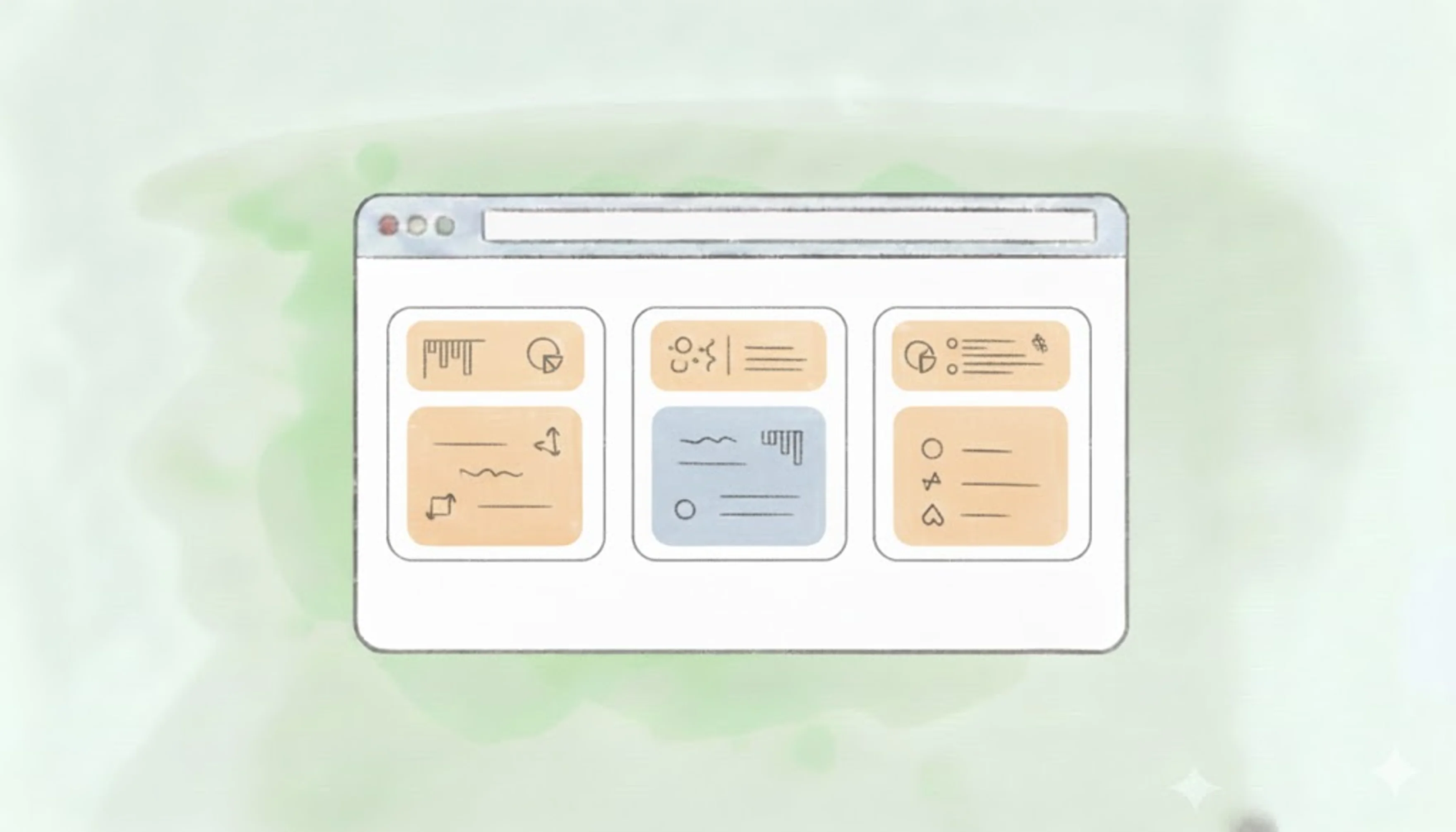
Every entry, tidied
Every entry gets a title, a short summary and up to three topics, reusing yours where it can. It picks out people, works out whether something is a task, a project or just worth knowing, and picks up dates like "chase this Friday". Pick UK or US English, or tell it to keep your wording.
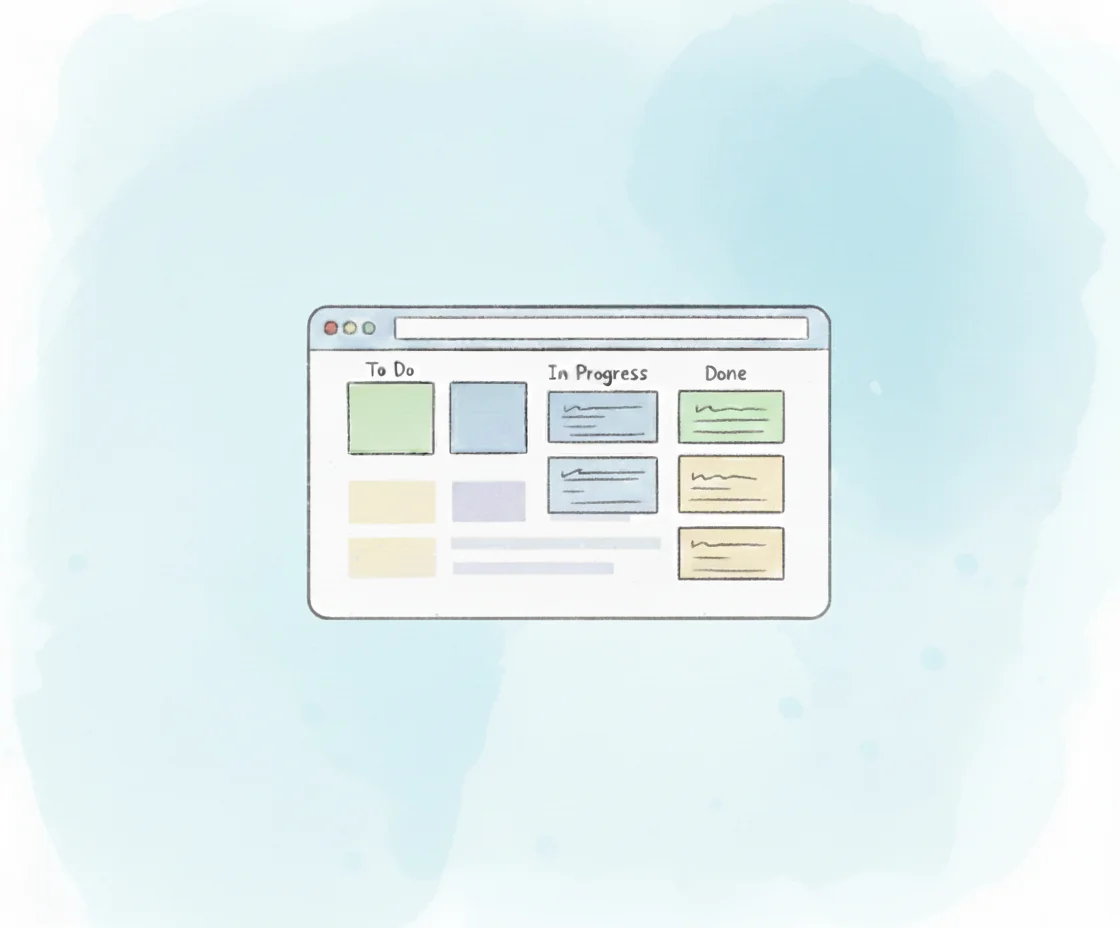
Tasks, projects and knowledge
Every entry is a task, a project or knowledge, and you can change which in its detail panel, along with work or personal. See tasks as a list, a board or a calendar, give them a due date and a time, note who you're waiting on and add the links that go with them. The desktop app can remind you when they're due. On Pro, rename all three, choose their colours and set your own statuses.
Recall it when you need it
One search bar on every page. Type to filter what you're looking at, add a #topic or an @person, or press Enter to ask AI search. On Pro, entries that belong together are linked for you.
There's more: canvas views, sharing with your organisation, the MCP server and the rest.
The features page has every one, with what's free and what's Pro.
Free or Pro
Pricing
Start free. Pro adds the AI that tidies, links and finds your entries.
Free
Free for as long as you like
- Unlimited entries
- The browser extension, the desktop app and the web app
- Lists, tables, a task board and a calendar
- Canvas views: lay out any view as live cards and draw round them
- Topics, people and desktop task reminders
Pro
Try Pro free for 30 days, no card needed. You start it yourself in Settings, then Billing.
- Everything in Free
- The AI tidy-up: summaries, titles, topics and people
- AI search: ask for anything back in plain English
- Your own statuses, labels and work and personal hints
- API access and the MCP server for AI apps
- The Overdue filter and due date colours on the board
For ADHD coaches
Coach people with ADHD or ADHD traits? There's a deal for you and your clients.
See how it worksTo join, email Chris.
- Free Profor you, while you coach with it
- First month freefor your clients
- 10% to youof what they pay in their first 12 months
